Local development setup
The Starter Kit is built on a modern Web monolithic architecture and consists of the following technologies:
- Laravel + Inertia.js + Vue – The primary monolith web application, providing backend logic and a reactive frontend.
- n8n Agent Service – A dedicated workflow automation and agent execution service used for AI agent workflows and background logic.
- PostgreSQL – The main database used for application data, agent logs, and workflow storage.
- Laravel Sail (Docker Compose) – A local development tool that simplifies setup and ensures consistency across machines.
Installation
- Install Docker if you do not already have it installed.
- Clone the private repository and navigate into the project directory.
- First you need to install Laravel Sail by running
docker run --rm \
    -u "$(id -u):$(id -g)" \
    -v $(pwd):/var/www/html \
    -w /var/www/html \
    laravelsail/php84-composer:latest \
    composer install
- Create .env using
cp .env.example .env
Create a shell alias for ./vendor/bin/sail so you can run it as sail directly from the CLI
We are using 8888 port for web interface, feel free to change it as you want in .env APP_PORT parameter
- Run
./vendor/bin/sail up(equivalent of the docker compose up command) - Run
./vendor/bin/sail artisan key:generate - Run
./vendor/bin/sail artisan migrate(run migrations to DB) - Run
./vendor/bin/sail npm install - Run
./vendor/bin/sail npm run dev - Open the browser and navigate to
http://localhost:8888 - Ready
Run tests
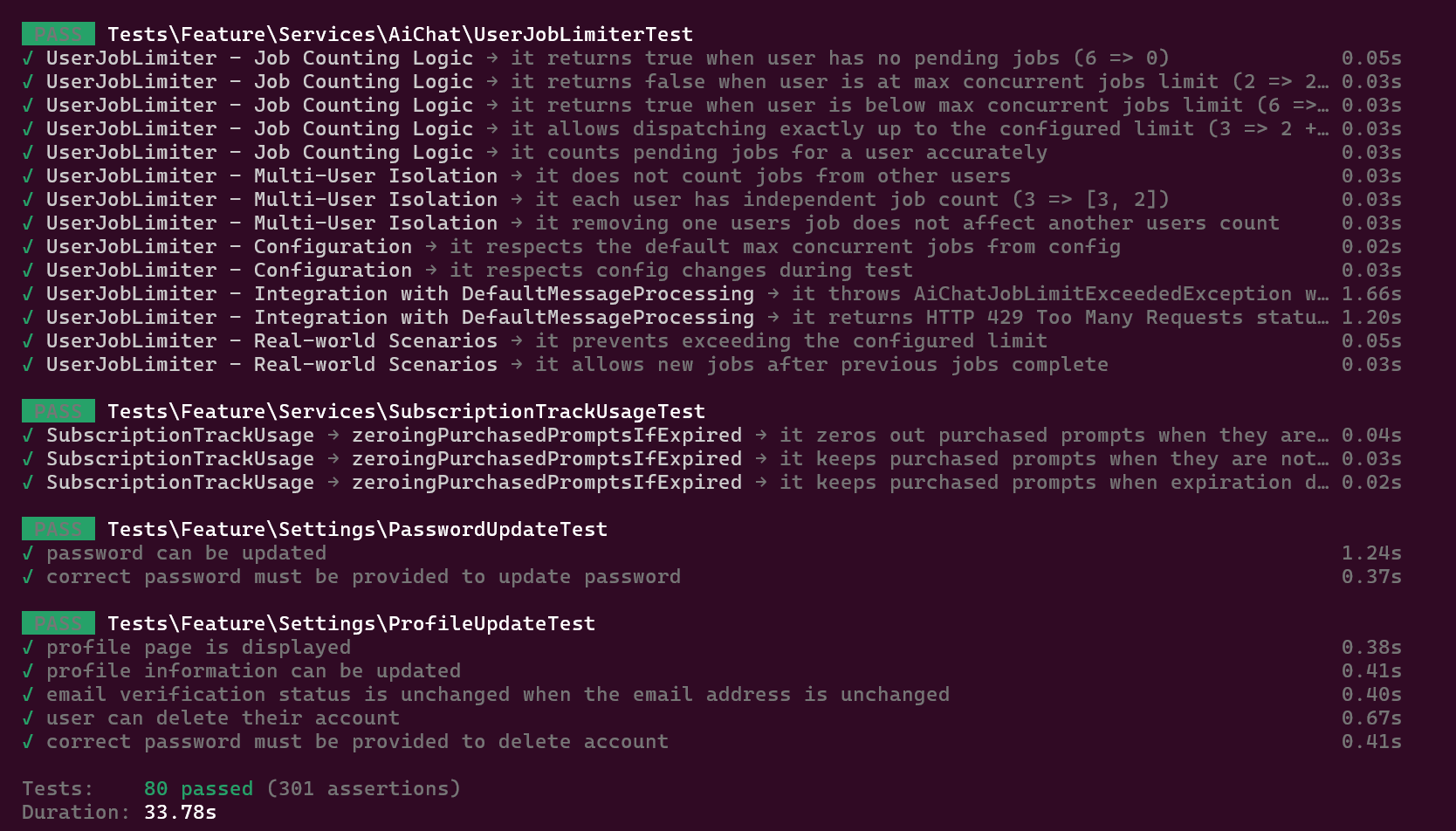
After running the project, you can run tests to check if the project is working correctly using the following command:
./vendor/bin/sail artisan test
MCPs for Local Development (Optional)
The following MCPs can significantly improve the local development experience. These tools are optional but recommended, especially when working extensively with AI-assisted development.
-
Laravel Boost MCP
The Starter Kit includes Laravel Boost MCP as a development dependency via Composer.
To enable it, visit Laravel Boost MCP and complete Step 2 and Step 3 from the official documentation. -
Ref.tools MCP
To reduce hallucinations by providing additional documentation context to AI agents, you can integrate Ref.tools. -
DeepWiki MCP
For indexed access to public GitHub repositories within AI agents, use DeepWiki MCP.
This allows agents to reason over repository structures and source code of packages more effectively.